Slow computer
Performance triage for high CPU, memory pressure, full storage, startup overload, and corrupted Windows files.
DR FRED gives customers a clean, expert path from “my computer is failing” to “here is the exact fix.” Explore Windows errors, slow PC repair, internet issues, boot problems, printer failures, Command Prompt solutions, and PowerShell troubleshooting.
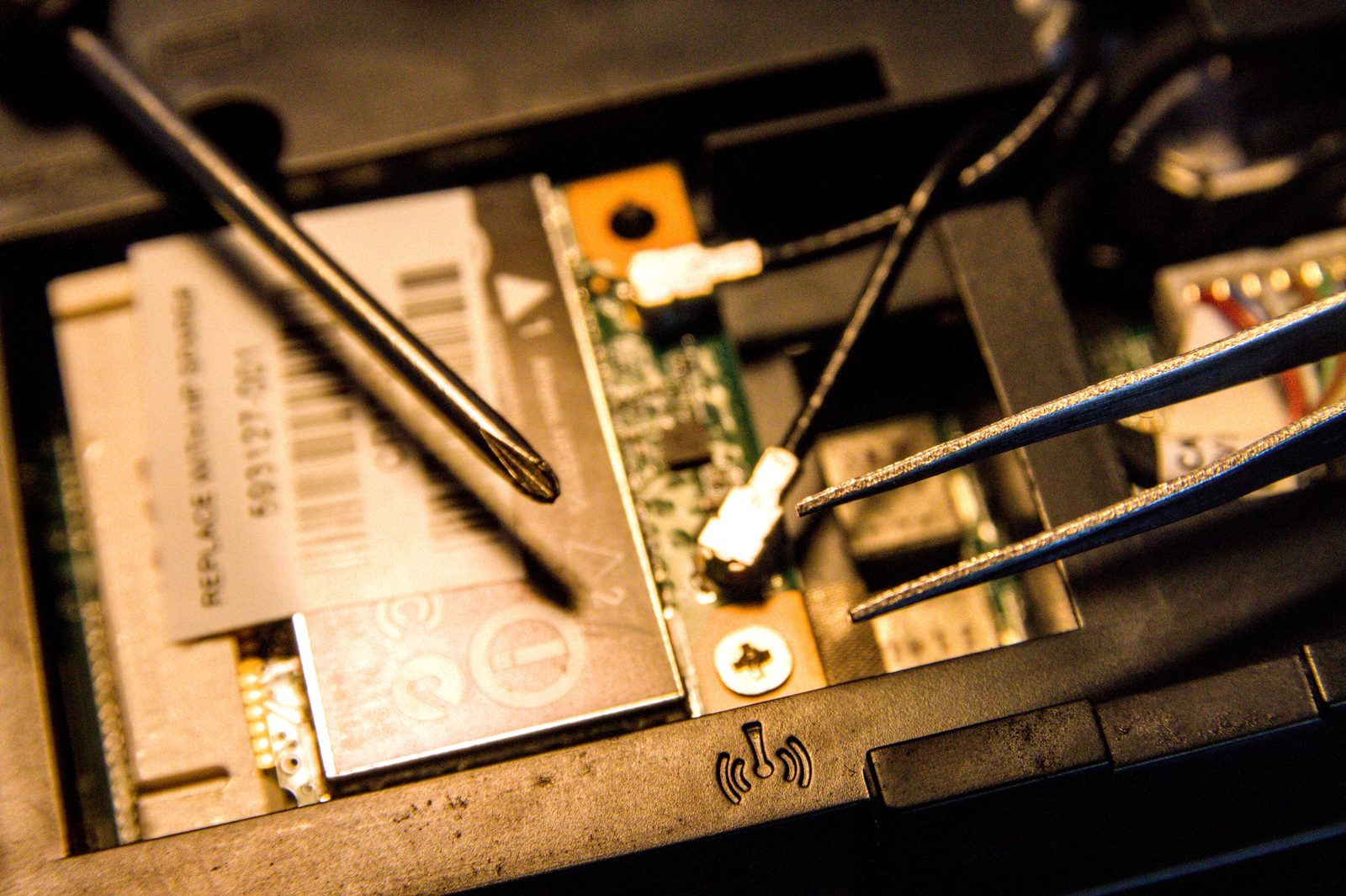
C:\DRFRED> DISM /Online /Cleanup-Image /RestoreHealth
C:\DRFRED> sfc /scannow
Result: Repair plan generated. Client protected.
Choose the closest symptom and get the safest first response. These are starter steps, not a replacement for hands-on diagnosis when hardware is failing.
Slow laptops, update errors, blue screens, no internet, disk warnings, broken apps, printer problems, and boot loops are all organized into simple repair paths.
Performance triage for high CPU, memory pressure, full storage, startup overload, and corrupted Windows files.
Wi‑Fi, DNS, IP, driver, router, and adapter reset workflows using both Settings and command-line tools.
Update codes, blue screens, boot repair, system corruption, app crashes, and safe escalation steps.
Command Prompt and PowerShell pages with copy-ready commands, warnings, and explainers.
DR FRED now includes dedicated pages for Windows installation/reinstallation plus safe downloads and configuration for the apps customers ask for most.
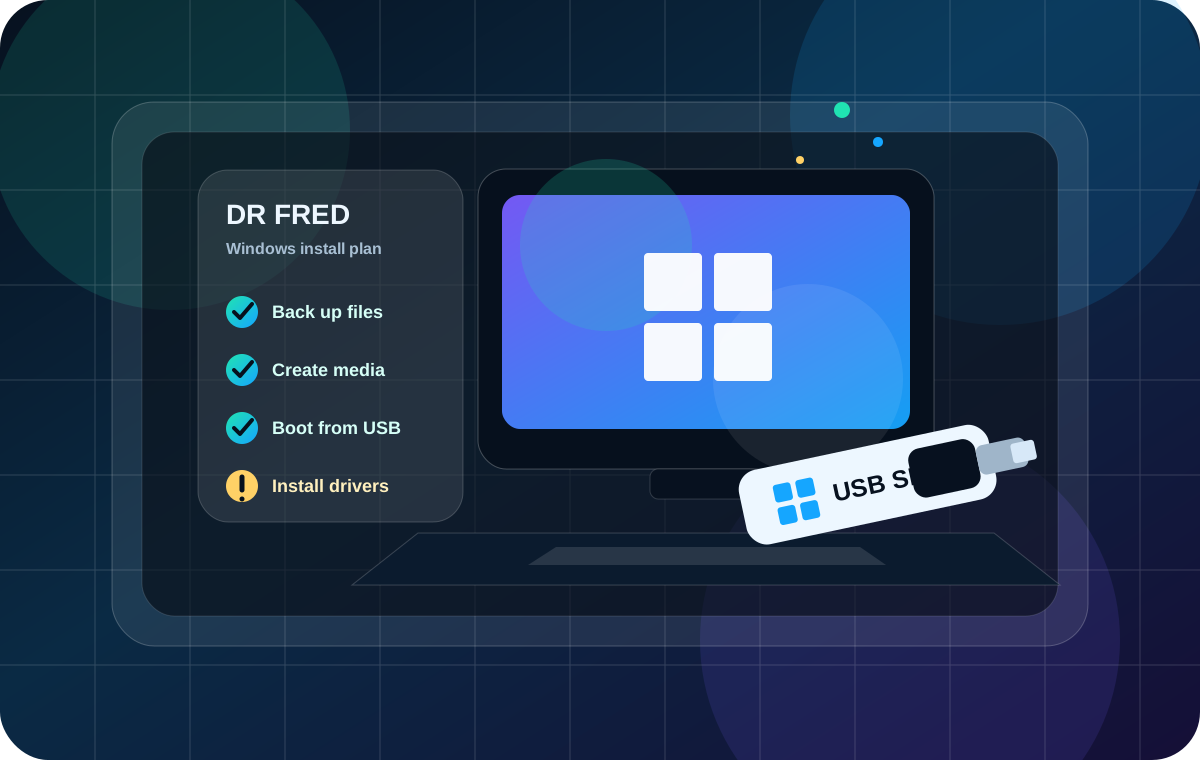
Bootable USB creation, clean install safety, activation checks, BIOS/UEFI boot menus, setup errors, drivers, and post-install handover.
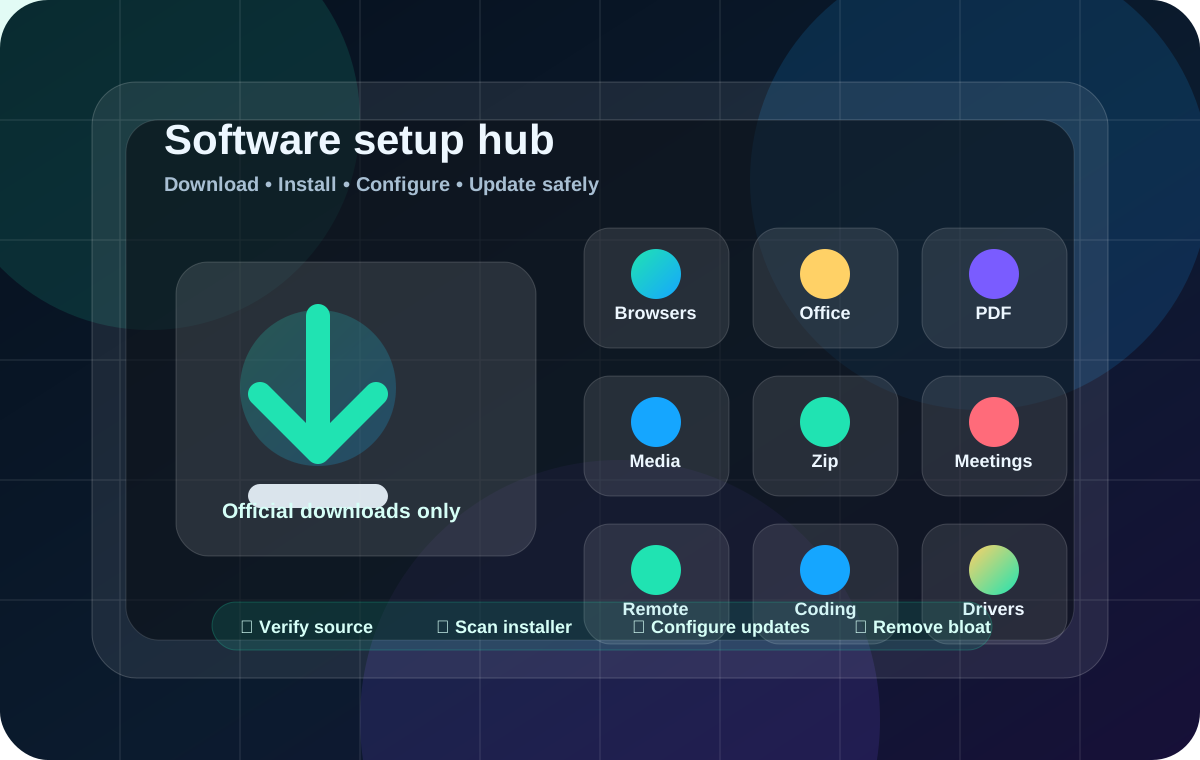
Chrome, Firefox, Adobe Reader, 7-Zip, VLC, LibreOffice, Microsoft 365, Zoom, AnyDesk, TeamViewer, VS Code, and drivers.
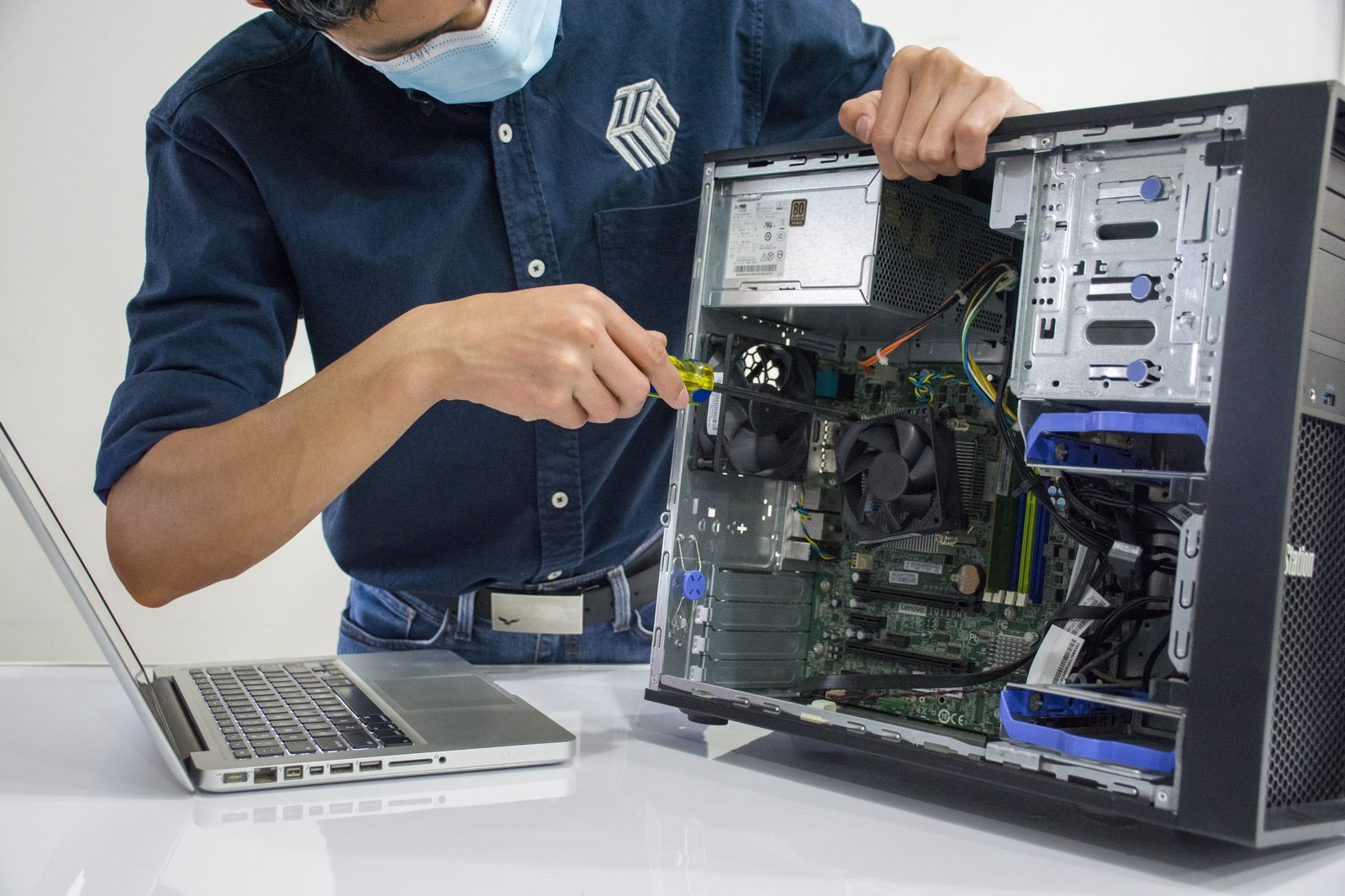
Practical checks for RAM, storage, overheating, power, ports, screens, and clean maintenance.
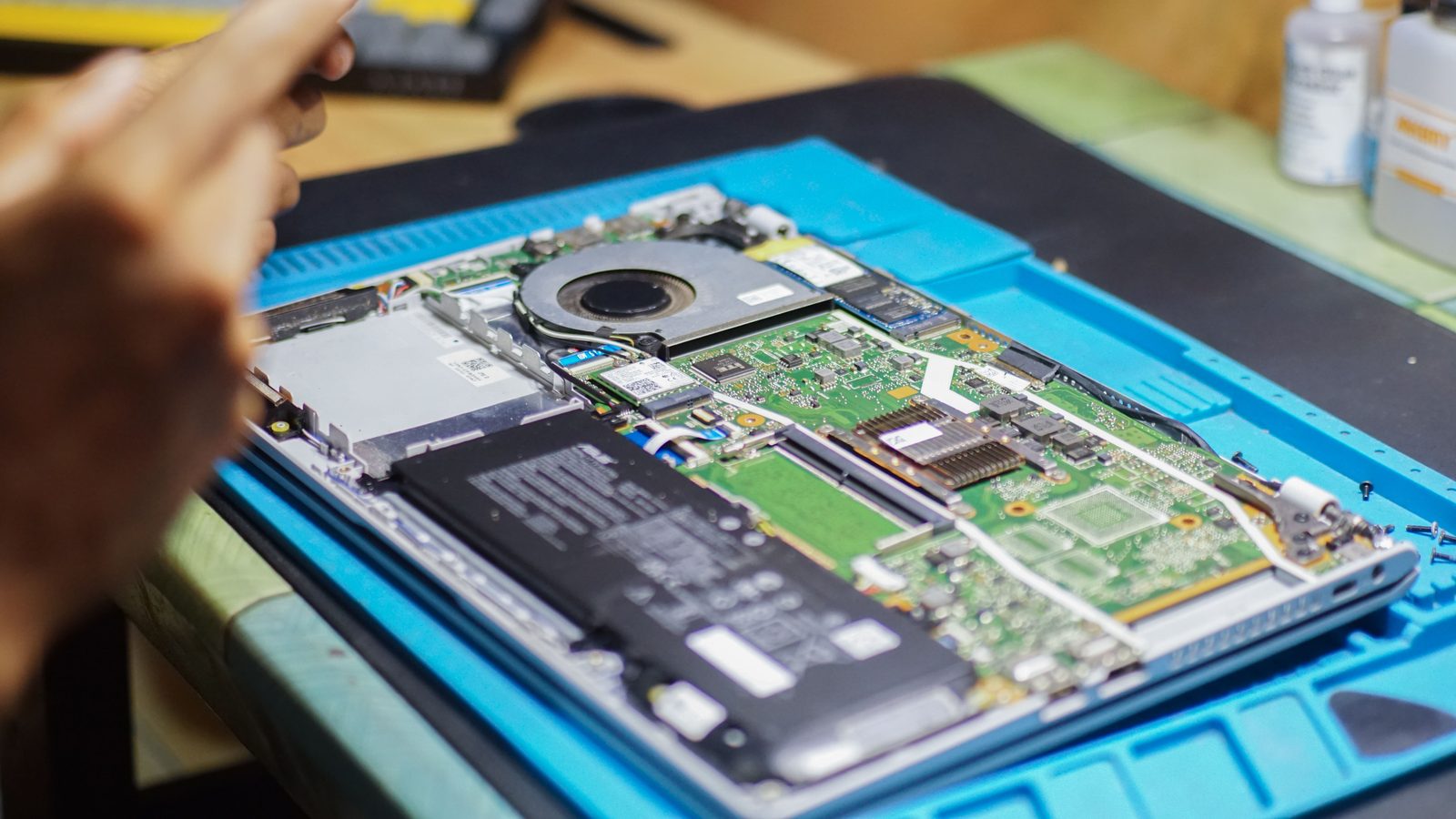
From battery and charging issues to fan noise and board-level warning signs that need a technician.
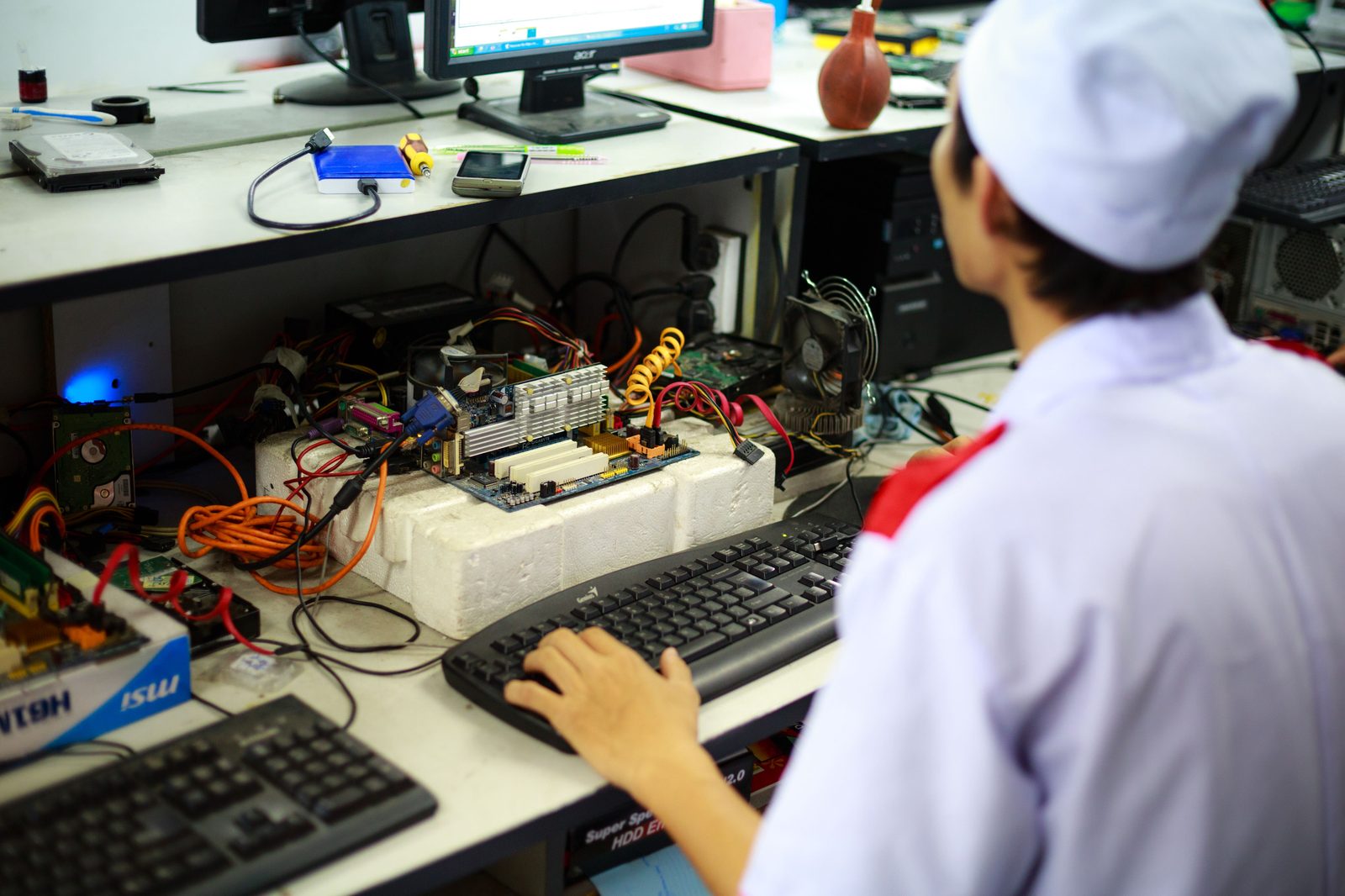
Every guide pushes users to record symptoms, protect files, and contact support with useful details.
Search engines need clear location and service signals. DR FRED now has a dedicated local repair page for laptop repair, Windows installation, software setup, printer issues, Wi‑Fi problems, slow computers, and customer support requests.
Back up files when possible, keep power connected, record error messages, and avoid risky commands before basic checks.
Check updates, drivers, storage health, temperature, startup apps, cables, adapters, and recent changes.
Start with restart, troubleshooter, driver reset, cache clear, or service restart before deeper repair commands.
Confirm the issue is gone, explain what changed, and give prevention steps so the same problem is less likely to return.
Email or call with the model, Windows version, error text, and what happened before the issue started.