Computer repair FAQs for Windows errors, installations, software setup, and command fixes.
A clear FAQ page helps visitors quickly understand what DR FRED solves, and it gives search engines stronger topic signals for common computer support questions.
Why is my computer slow?
Common causes include too many startup apps, low storage, malware, old drivers, failing storage, overheating, and corrupted Windows system files. Start with backup, Task Manager checks, startup cleanup, malware scan, disk health, and then system repair commands if needed.
Open the slow PC guideCan DR FRED help with Windows installation?
Yes. The Windows installation center covers backup, bootable USB creation, clean reinstall planning, activation checks, drivers, Windows Update, BIOS or UEFI boot menu, and post-install setup.
Open Windows installation guideWhere should I download software safely?
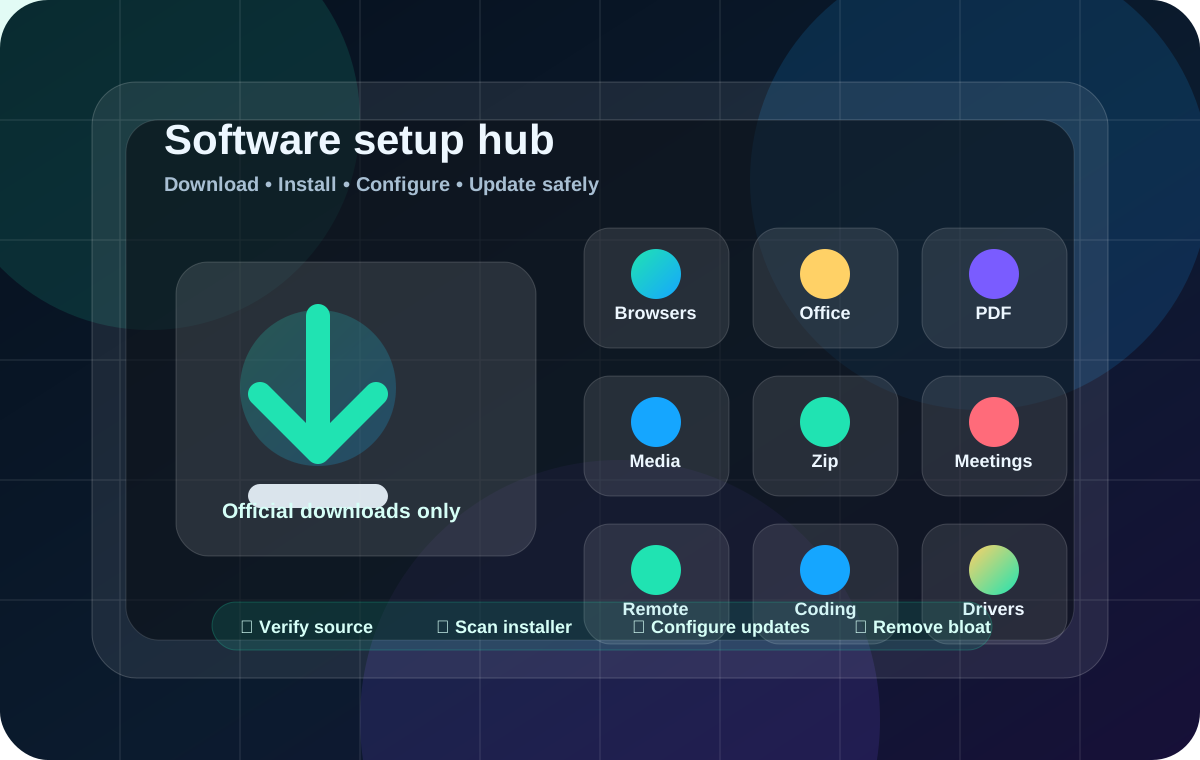
Use the official vendor website first, Microsoft Store second, and a trusted package manager such as WinGet third. Avoid cracked installers, fake driver updaters, random DLL websites, and repacked setup files.
Open software installation hubAre Command Prompt and PowerShell fixes safe?
They can be safe when used correctly, but destructive commands should be avoided unless files are backed up and the technician understands the issue. The DR FRED guides explain safer first steps before advanced repair commands.
Open command guidesHow do I contact DR FRED?
Email yuenligeoxao@gmail.com, call +255 747 889 316 or +255 694 017 942, or use the WhatsApp links on the contact page.
Open contact pageNot sure where to start?
Use the search bar at the top or send DR FRED the exact error message and device model.